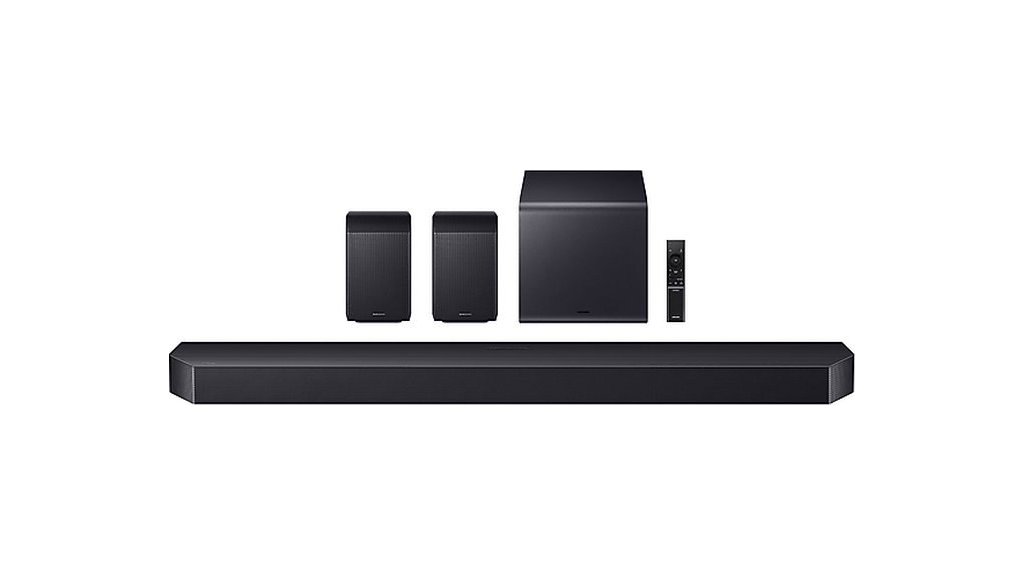
HDMI ARC (Audio Return Channel) lets your TV send sound back down an HDMI cable to a soundbar or AV receiver. One cable carries the picture into the TV and the audio back out, so you don't need a separate optical cable, and you can usually control the soundbar's volume with your TV remote.
ARC arrived with the HDMI 1.4 specification in 2009. Its newer version, eARC (enhanced Audio Return Channel), has much more bandwidth and can carry the lossless surround formats found on Blu-ray discs. Below, we explain how ARC works, how it differs from eARC and optical audio, how to set it up, and what to check when there's no sound.
What Is HDMI ARC?
A normal HDMI connection carries video and audio in one direction, from a source like a streaming stick or game console to your TV. The Audio Return Channel adds a path the other way. In the words of HDMI Licensing Administrator, which manages the HDMI standard, ARC "allows an HDMI-connected TV to send audio data 'upstream' to an AVR or soundbar with an HDMI cable, eliminating the need for a separate audio cable."
That matters because most of what you watch now starts inside the TV. Built-in streaming apps like Netflix and YouTube, over-the-air channels from an antenna, and anything plugged into the TV's other HDMI inputs all produce sound inside the TV. ARC is how that sound reaches your soundbar or AV receiver.
ARC was added in HDMI 1.4. HDMI Licensing announced the details of that version in May 2009 and released the specification to manufacturers on June 8, 2009. Most TVs, soundbars and receivers sold in the last decade have at least one ARC port.
How ARC Works With HDMI-CEC
ARC usually works alongside HDMI-CEC (Consumer Electronics Control), the feature that lets connected devices control each other. With CEC turned on, your TV remote can change the soundbar's volume, and turning off the TV can turn off the soundbar too. TV brands give CEC their own names in the settings menu, so look for terms like Anynet+ on Samsung, SimpLink on LG, and Bravia Sync or Control for HDMI on Sony. On many setups, ARC won't switch on unless CEC is enabled on both the TV and the audio device.
HDMI ARC vs eARC: What's the Difference?
eARC is the upgraded version of the Audio Return Channel. It was introduced as part of HDMI 2.1, and HDMI Licensing lists it as a feature of the current HDMI 2.2 specification too. The big change is bandwidth. HDMI Licensing says eARC "can pass uncompressed and higher bandwidth audio; ARC can't."
| ARC | eARC | |
|---|---|---|
| Introduced | HDMI 1.4 (2009) | HDMI 2.1, also in HDMI 2.2 |
| Typical formats | Stereo PCM, compressed 5.1 such as Dolby Digital, and Dolby Atmos inside Dolby Digital Plus on many TVs | Everything ARC carries, plus uncompressed 5.1 and 7.1 PCM, Dolby TrueHD, DTS-HD Master Audio, Dolby Atmos and DTS:X |
| Uncompressed audio | No | Yes, up to 32 channels, up to 192 kHz and 24-bit |
| Device discovery | Depends on CEC | Built into the standard |
| Recommended cable | High Speed HDMI Cable | Ultra High Speed HDMI Cable for all HDMI 2.1 features |
Can ARC Play Dolby Atmos?
Sometimes. Dolby Atmos from streaming services is usually delivered inside Dolby Digital Plus, which is compressed enough to fit through ARC. Sony's setup guide for its STR-ZA receivers, for example, says the receiver "can receive Dolby Atmos signals in the Dolby Digital Plus format" from a TV connected by ARC. What ARC can't carry is the lossless Dolby Atmos found on 4K Blu-ray discs, which uses Dolby TrueHD. For that, you need eARC on both the TV and the audio device.
Is eARC Backward Compatible?
Yes. An eARC TV works with an older ARC soundbar, and an eARC soundbar works with an older ARC TV. The connection simply falls back to regular ARC, along with ARC's format limits. To get eARC features, both ends need to support eARC.
HDMI ARC vs Optical Audio
Before ARC, the usual way to get sound from a TV to a sound system was an optical audio cable, also called Toslink or S/PDIF. Optical still works well for stereo and compressed 5.1 surround, and it's a good fallback when ARC gives you trouble. ARC has three advantages, though:
- Remote control: with CEC, one remote handles TV and soundbar volume. Optical carries no control signals.
- Formats: ARC can carry Dolby Digital Plus, and with it streaming Dolby Atmos. Optical can't.
- Fewer cables: one HDMI cable does the job, and an eARC connection goes far beyond what optical can carry.
How to Set Up HDMI ARC
Setup only takes a few minutes. Menu names vary by brand, but the steps are the same on most TVs.
- Find the ARC port. Look for a TV HDMI input labeled ARC or eARC. Only one input usually supports it. HDMI Licensing advises that you "be sure to use the TV's HDMI eARC port. Most manufacturers mark it as such."
- Connect the cable. Run an HDMI cable from that TV port to the soundbar or receiver's HDMI port marked ARC, eARC or TV.
- Turn on HDMI-CEC. Enable it in the TV's settings (Anynet+, SimpLink, Bravia Sync and so on) and on the soundbar or receiver.
- Turn on ARC or eARC. Some TVs have a separate eARC switch. HDMI Licensing notes that it "may be necessary to enable eARC in the settings menu of the TV."
- Choose the audio output. In the TV's sound settings, set the output to the HDMI or receiver option instead of the TV speakers.
- Set the digital audio format. Choose Auto, Passthrough or Bitstream so surround and Atmos reach your sound system. PCM sends stereo only on many TVs.
If you also have a streaming box or game console, plug it into one of the TV's other HDMI inputs, or into your receiver's inputs if it has them. That keeps the ARC port free for audio.
HDMI ARC Not Working? Try These Fixes
ARC is convenient when it works and frustrating when it doesn't. These are the most common causes of no sound or lost surround sound.
- Wrong port: check that the cable is in the TV's ARC or eARC input, not a regular HDMI input.
- CEC is off: turn on HDMI-CEC on both the TV and the audio device, then switch both off and on.
- Audio output still set to TV speakers: change it to HDMI, receiver or the soundbar's name.
- Stereo only: if you hear sound but no surround, change the TV's digital audio format from PCM to Auto, Bitstream or Passthrough.
- Power cycle: unplug the TV and the soundbar for a minute, then plug in the soundbar first.
- Cable: very old or damaged cables can cause dropouts. Try a certified HDMI cable, especially for eARC.
- Firmware: install the latest software updates for both the TV and the sound system. ARC handshake fixes often arrive this way.
If none of these works, an optical cable is a reliable fallback for stereo and 5.1 sound. You'll lose the shared remote and the Atmos formats, but you'll have sound.
Do You Need a Special HDMI Cable for ARC?
For ARC, any working High Speed HDMI Cable is usually fine. For eARC, HDMI Licensing says you can use a Premium High Speed HDMI Cable with Ethernet, "but to enable all of the HDMI 2.1 features you need an Ultra High Speed HDMI Cable." Since an Ultra High Speed cable also handles 4K at 120Hz from a game console, it's the simplest choice if you're buying a new cable anyway. You don't need a special "ARC cable," despite what some packaging suggests.
What If Your TV Doesn't Have ARC?
You still have options. Use the TV's optical output with a soundbar that has an optical input, or use its headphone or analog output. If your TV supports Bluetooth audio, you can also pair a wireless speaker; our guide on how to connect a Bluetooth speaker to a TV walks through it. And if you're shopping for a new TV, nearly every current model includes ARC, and most mid-range and premium sets have eARC. Our OLED vs QLED guide can help you choose the panel type.
Frequently Asked Questions
What does ARC stand for on HDMI?
ARC stands for Audio Return Channel. It sends audio from the TV back to a soundbar or AV receiver over the same HDMI cable.
Is HDMI ARC better than optical?
Usually, yes. ARC carries the same stereo and compressed surround formats as optical, plus Dolby Digital Plus, and it lets your TV remote control the soundbar through HDMI-CEC. Optical is a good backup if ARC won't connect.
Can I plug a streaming device into the HDMI ARC port?
Yes, the ARC port works as a normal HDMI input too. But if you plug a streaming device into it, you can't use it to send audio to a soundbar at the same time. Keep the ARC port for your sound system when you can.
Do I need eARC?
You need eARC if you want lossless audio such as Dolby TrueHD or DTS-HD Master Audio from 4K Blu-ray discs, or uncompressed multichannel PCM. For streaming apps, regular ARC with Dolby Digital Plus covers most people.
Does HDMI ARC affect picture quality?
No. ARC only adds an audio path. The video coming into that HDMI port is not affected.
Why does my soundbar turn on by itself?
That's HDMI-CEC at work. When the TV turns on, it tells the soundbar to turn on too. You can turn off the power link in the TV's CEC settings if you prefer.
The Bottom Line
HDMI ARC is the easiest way to get better sound from your TV: one cable, one remote, and support for the surround formats most streaming apps use. If you want lossless audio from discs, make sure both your TV and your sound system support eARC. Ready to upgrade? Start with our picks for the best soundbars or our guide to home theater systems.
Sources
- HDMI Licensing Administrator: HDMI 1.4b specification and Enhanced Audio Return Channel (eARC)
- HDMI Licensing Administrator: HDMI Specification Version 1.4 release, June 8, 2009
- HDMI Licensing Administrator: What is eARC and why should you care?
- Sony: Using an ARC-compatible TV that supports Dolby Atmos

